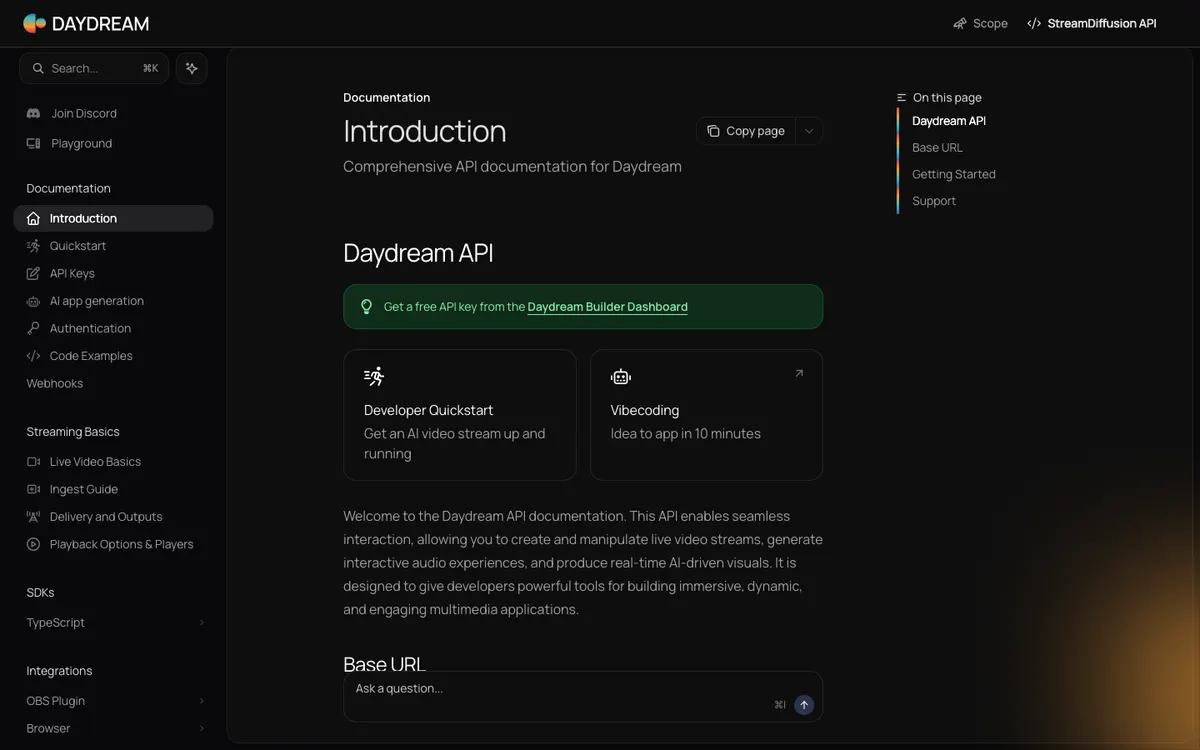
Website preview
Daydream Video API
Daydream’s live video processing integration for OBS. The official plugin documentation is accessible and current access to the original video API is unverified.
A hosted API that groups text, image and video generation. Its documentation describes asynchronous processing for video jobs.
Explore platform ↗AIReiter
A production script can hand a render to a queue and move on to the next shot while it tracks job completion separately.
For a programme with several prepared clips, asynchronous rendering helps decouple the production plan from individual generation times. Save the job identifier and keep a human approval step before importing a finished result. Decide which prepared clip fills the gap if a queued job fails.
This is a directory note, not a promise that the third-party channel is always live. Availability, moderation, and content are controlled by the linked project.
Use the developer documentation to check job creation, state polling and result retrieval for the selected video model. Start with one repeatable shot and log how long it takes to get a usable file, including failures. Design for retry limits and predictable costs before scheduling more assets.
Best for: Developers preparing video assets in batches who want to connect renders to an existing review queue.
Access note: Account credentials and model-specific usage terms apply. The asynchronous workflow is documented. A continuous real-time video session remains unverified.
2026-11-20: Official site and developer documentation rechecked after an earlier community submission. Model access, pricing and job timing remain untested.
Daydream’s live video processing integration for OBS. The official plugin documentation is accessible and current access to the original video API is unverified.
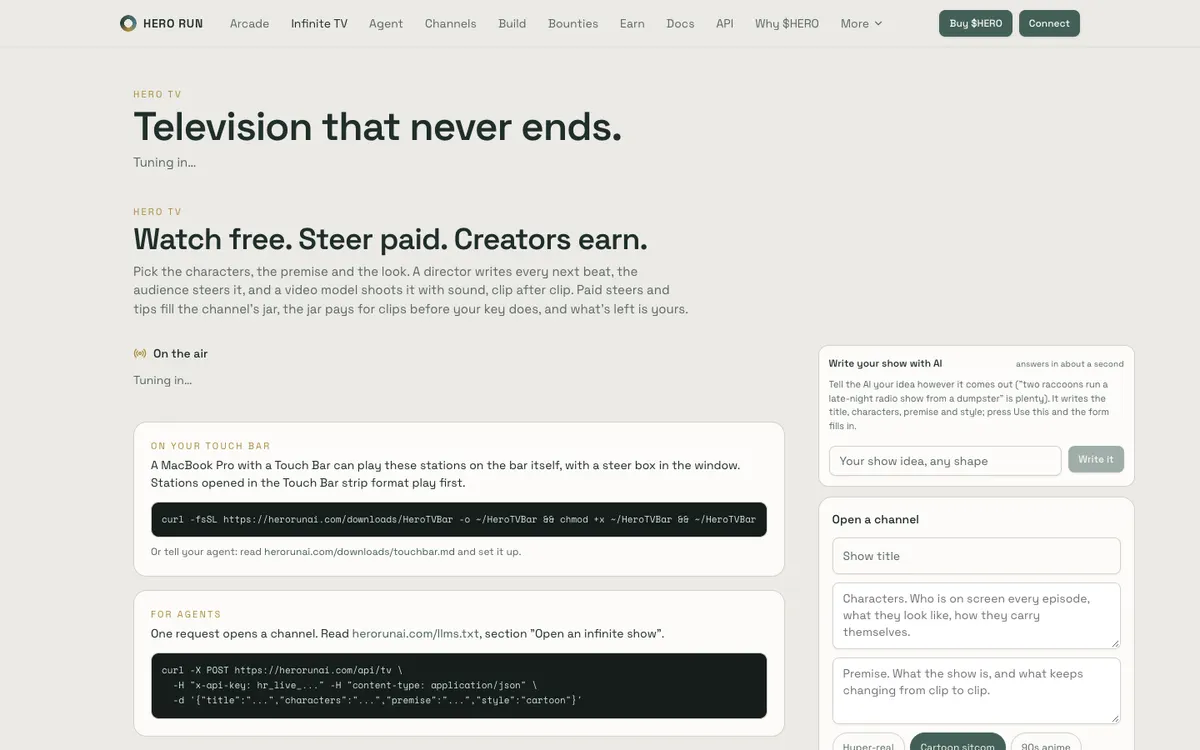
A channel builder where an AI director writes each beat, a video model renders it with sound, and paid steering or tips can fund the next clips.
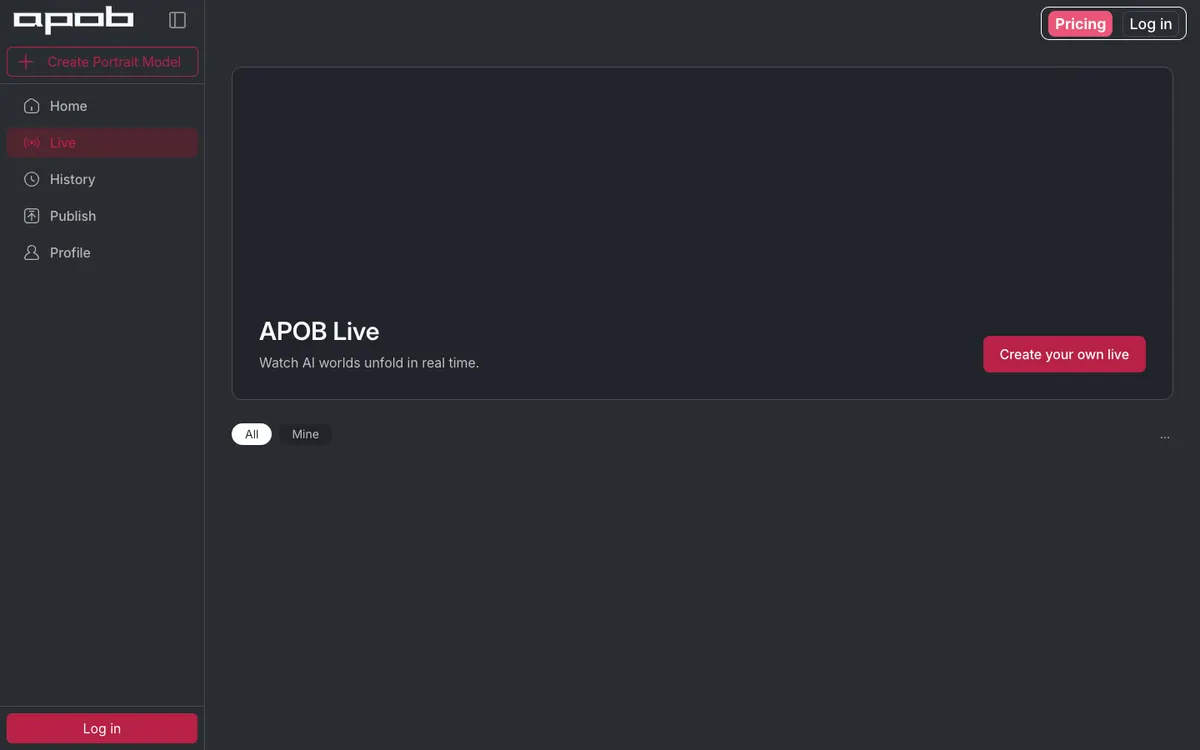
A public live gallery and creation flow that can start an AI-generated room from a prompt, image, or video, then preserve it as a replay or reopen it.