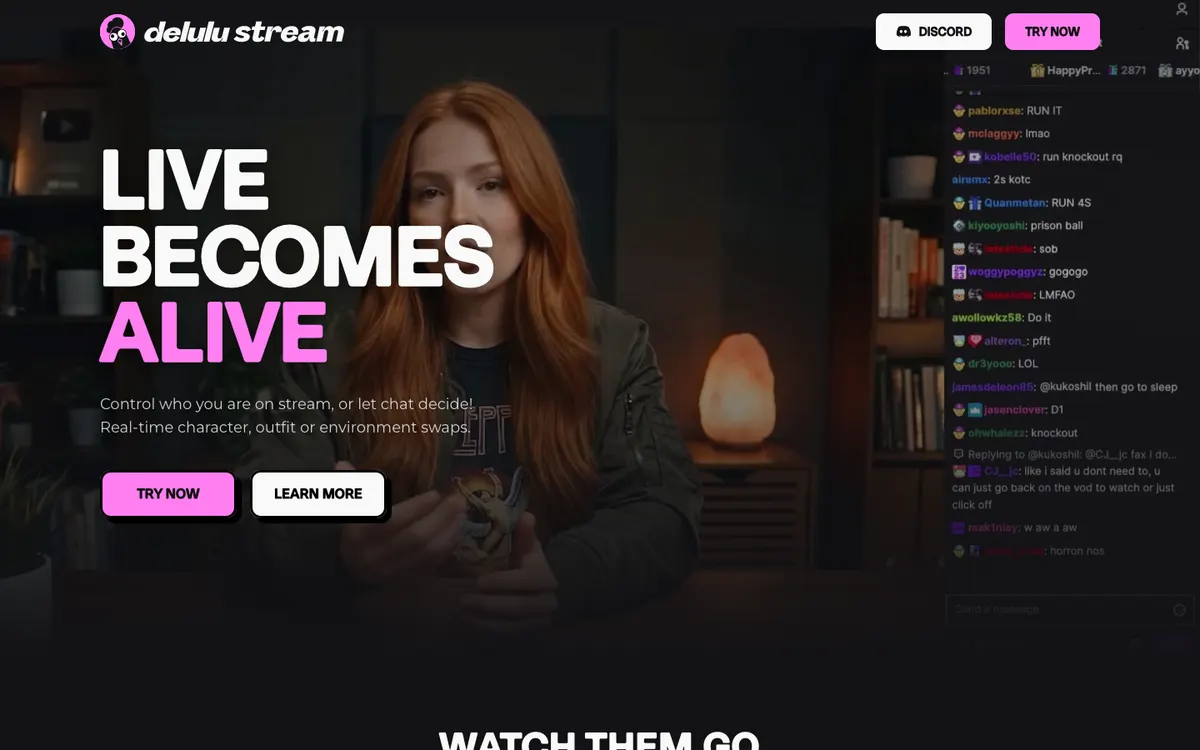
Website preview
Delulu Stream
A creator tool for chat-triggered AI character, clothing, and environment transformations in an existing live-stream workflow.
Krea documents an interactive video workspace that can take a sketch, text, webcam or screen input and produce a changing generated view.
Read the official demo notes ↗Krea Realtime Video
Sketch or screen input gives a performer a more deliberate way to direct motion than repeatedly issuing a full scene description.
Camera and canvas modes offer distinct control. A performer can drive a stylized view with body movement, while a producer can draw or move objects to pin down composition. Pick the input that gives you fewer surprises for the specific segment you plan to deliver.
This is a directory note, not a promise that the third-party channel is always live. Availability, moderation, and content are controlled by the linked project.
Start with the official page and its trial link. If access is available, test one strong cue, such as switching the color of an object. Compare the input and output recordings before deciding whether it can be captured in OBS. Keep the clean source available and avoid exposing unrelated windows or private video.
Best for: Artists and stream producers prototyping a short interactive visual segment.
Access note: Confirm sign-in, browser support and camera or screen permissions with the current app. An OBS plugin and broadcast output are unverified.
2026-11-20: Official product announcement and its trial link reviewed. Current account access, permissions and integration were not tested.
A creator tool for chat-triggered AI character, clothing, and environment transformations in an existing live-stream workflow.
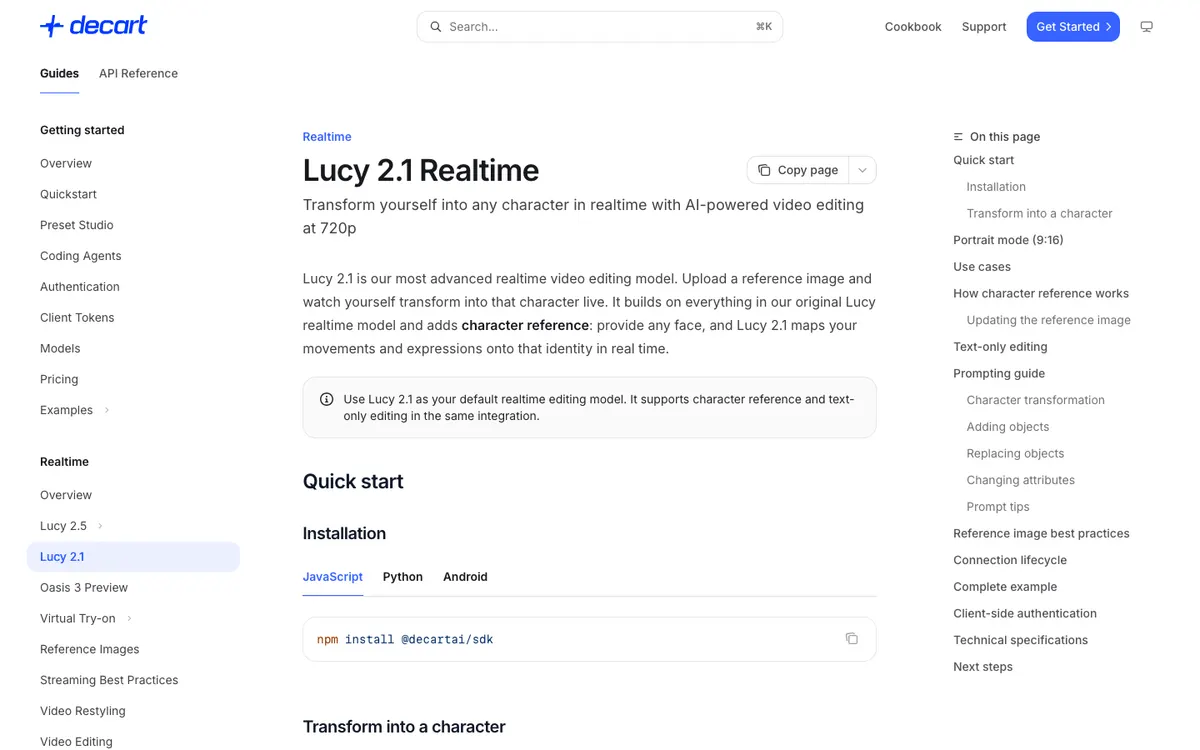
A real-time video-editing API that transforms an incoming camera stream using text prompts and character reference images.
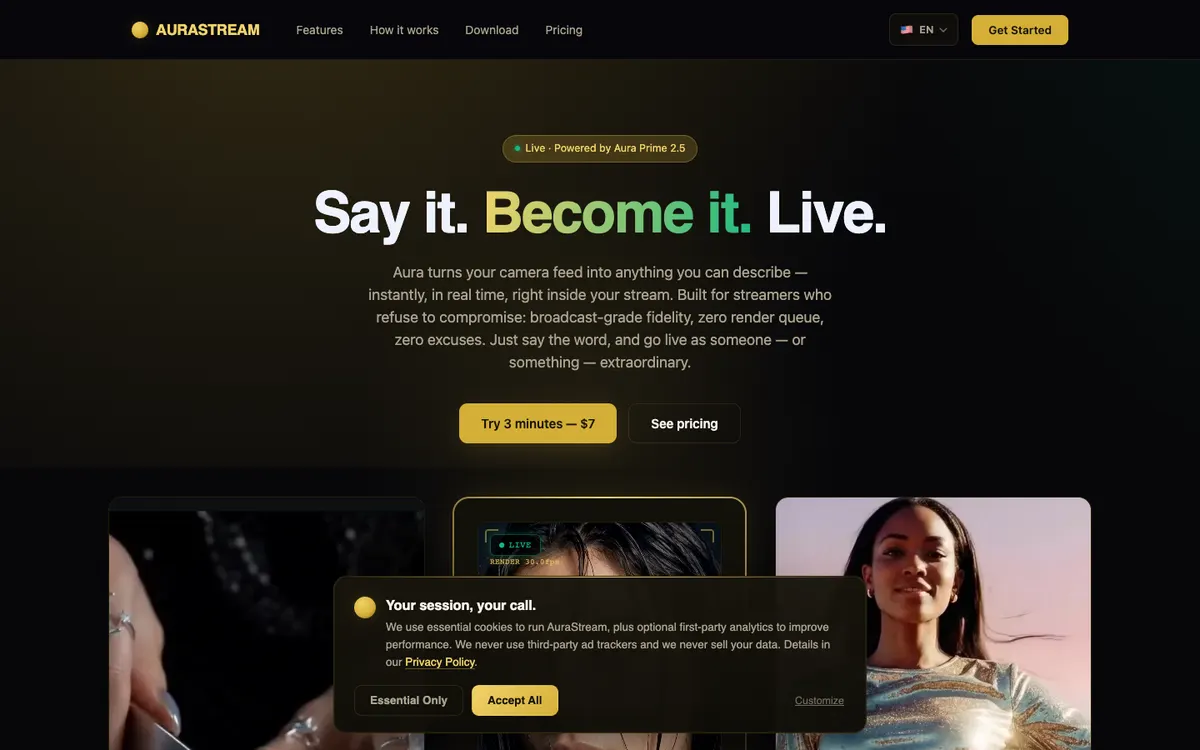
A camera transformation service with text-directed looks and a desktop companion that routes its output into OBS through an NDI source.