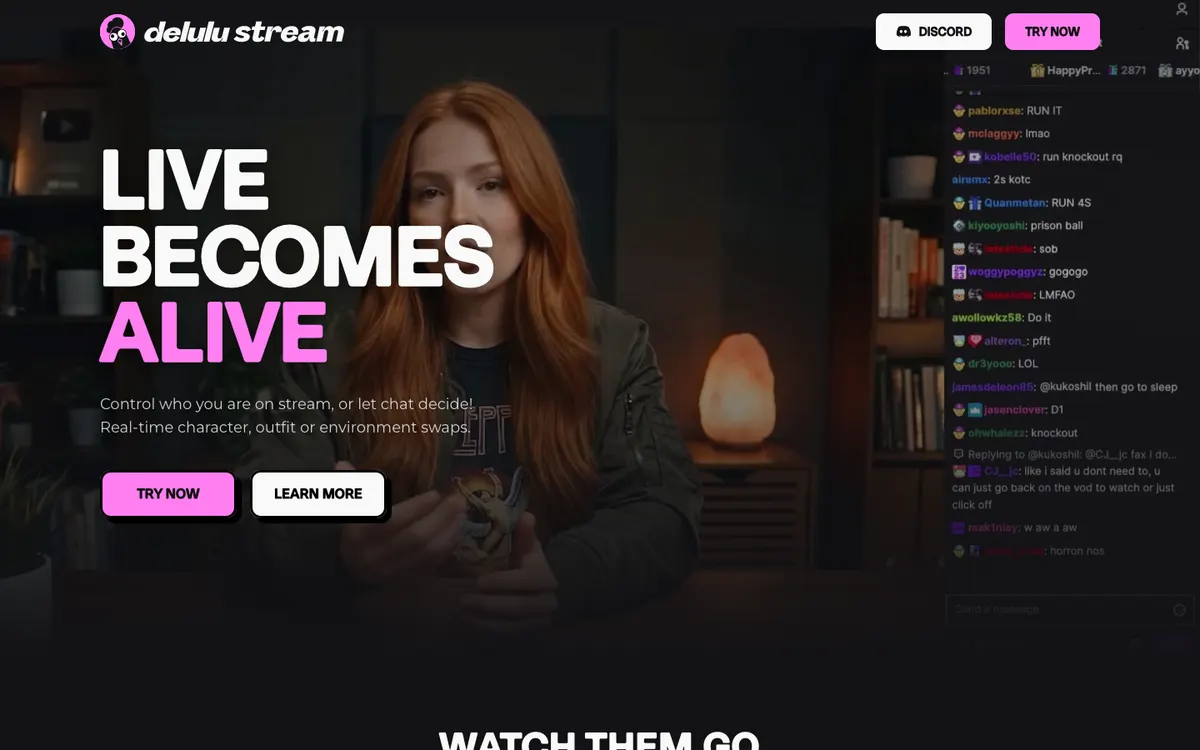
Website preview
Delulu Stream
A creator tool for chat-triggered AI character, clothing, and environment transformations in an existing live-stream workflow.
Create an animated character and connect its reactions to Twitch, TikTok LIVE or Kick events using an OBS-compatible browser overlay.
Visit tool ↗StreamRio
The mascot gives one audience event a repeatable on-screen reaction that a producer can preview and mute.
For a solo streamer, one short mascot reaction can acknowledge an audience event without interrupting the spoken programme. Choose a low-frequency trigger first. A busy input like likes or chat can otherwise leave an overlay moving constantly and obscure an important part of the scene.
This is a directory note, not a promise that the third-party channel is always live. Availability, moderation, and content are controlled by the linked project.
The setup guide describes assigning a reaction to an event, then placing the overlay URL in a browser source. Put the mascot in a safe corner and rehearse with simulation before connecting a real account. Check the same scene at phone size and decide what happens when several events arrive together.
Best for: Twitch, TikTok LIVE and Kick creators who already use an overlay workflow and want a distinct response to selected events.
Access note: The public preview and policy pages give setup context. Custom generation, production automation and platform support vary by plan. Confirm the platform and character tier before configuring a live show.
2026-11-20: Official product page and setup guide reviewed after a community submission. We did not connect a streaming account or trigger a real event.
A creator tool for chat-triggered AI character, clothing, and environment transformations in an existing live-stream workflow.

A camera transformation service with text-directed looks and a desktop companion that routes its output into OBS through an NDI source.
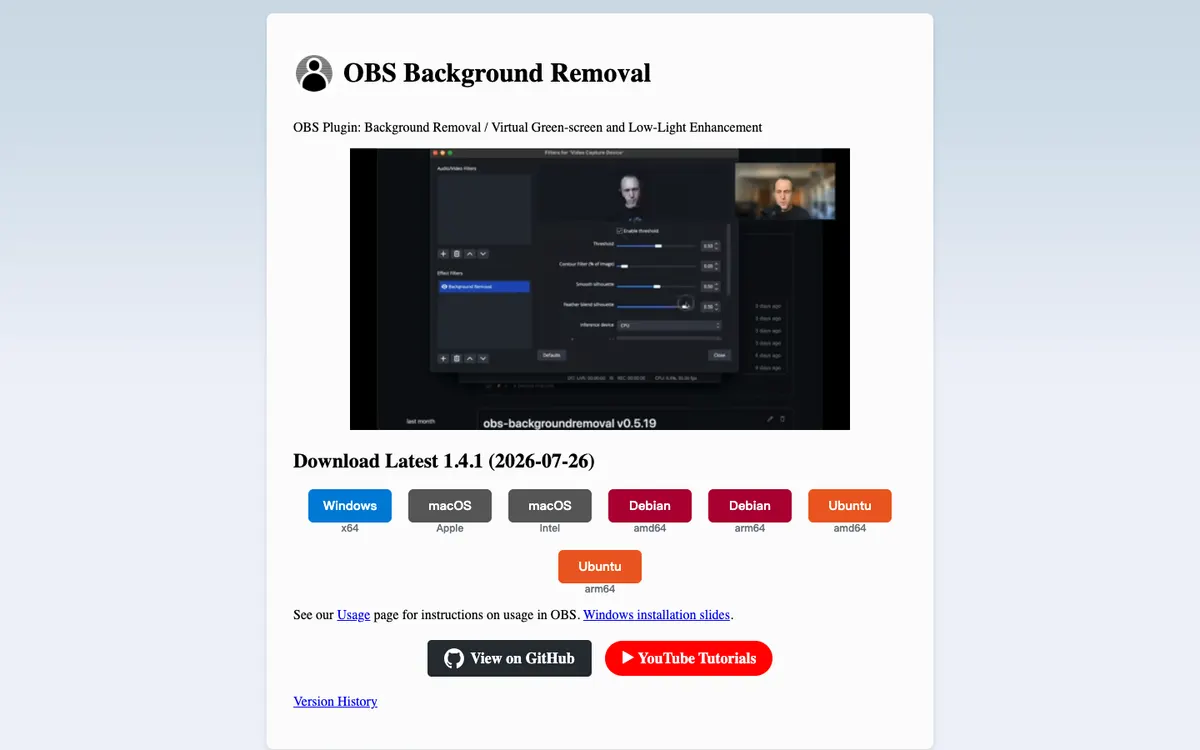
An OBS plugin using segmentation models to remove or replace a portrait-video background and enhance low-light camera scenes.