01
CONTROLThe crowd has the remote.
Prompts are becoming bounded programme controls: vote, direct, trigger an action, then watch one shared scene change.
Watch audience-directed shows like Infinite Slop, track new AI live TV formats, and find the tools and source code behind the broadcast.
Two weeks ago the viral idea was an endless prompt queue. The more interesting story now is what builders are putting around the model: genres, programme rules, creator economics and shared worlds.
Swipe through four signalsPrompts are becoming bounded programme controls: vote, direct, trigger an action, then watch one shared scene change.
Channels are testing paid steering, tips, ad auctions and URL-to-commercial loops instead of funding every clip as a demo.
A prompt, image or video can now open a room that has scenes, votes, replays and a path back on air.
Persistent branches, multiplayer games and multi-agent viewpoints point beyond one linear player toward generated worlds.
Watch a channel, find a creator tool, or explore source code. Listings and previews are editorial snapshots, not real-time availability checks.
71 projects to explore
A 24/7 AI-generated television channel where chat prompts enter a shared scene queue and shape what airs next.
A near-real-time AI survival-show experiment where prompts steer characters and story beats while H3 Max Turbo generates the next clips.
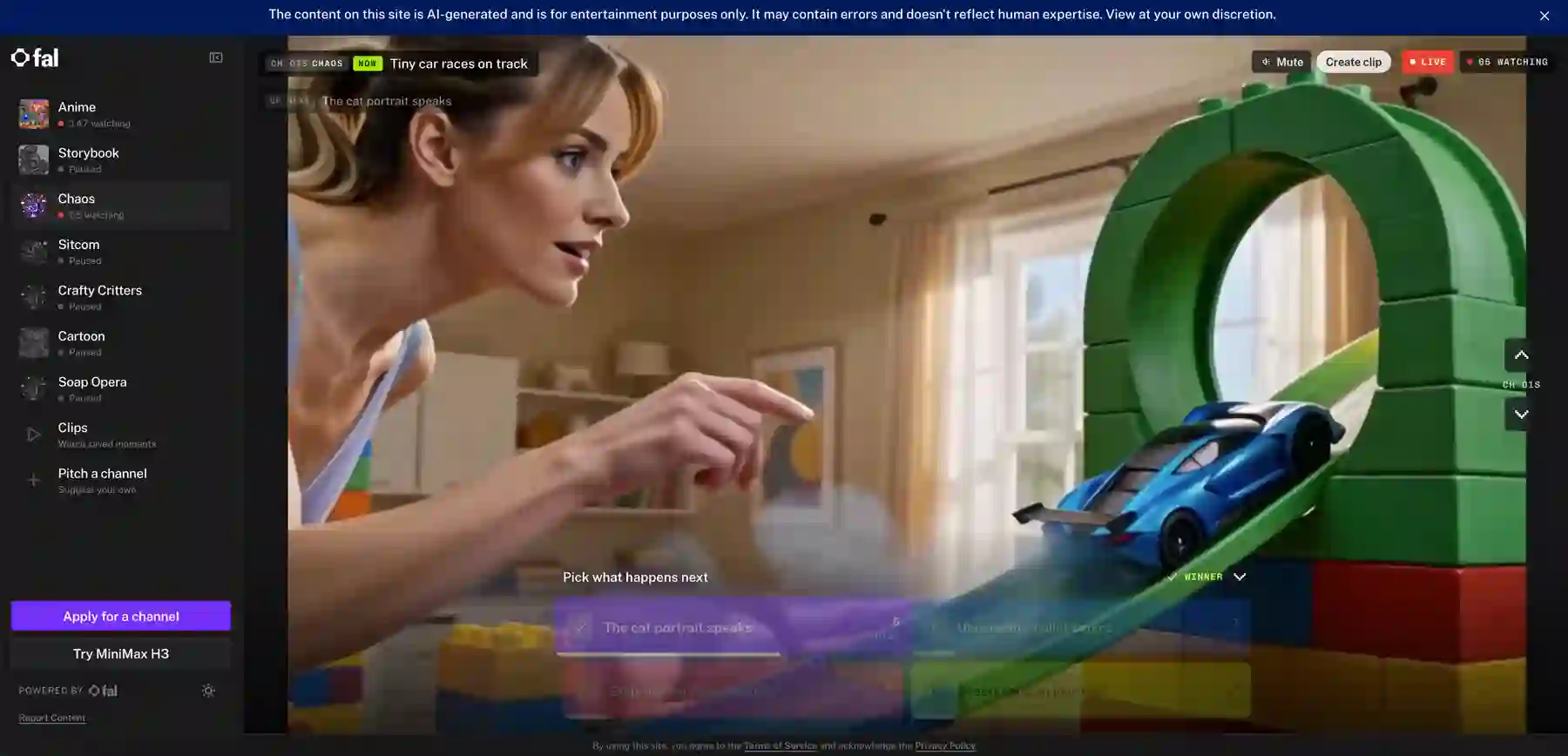
fal’s multi-channel AI television experiment: viewers vote or suggest what happens next while creator channels define the world and rules.
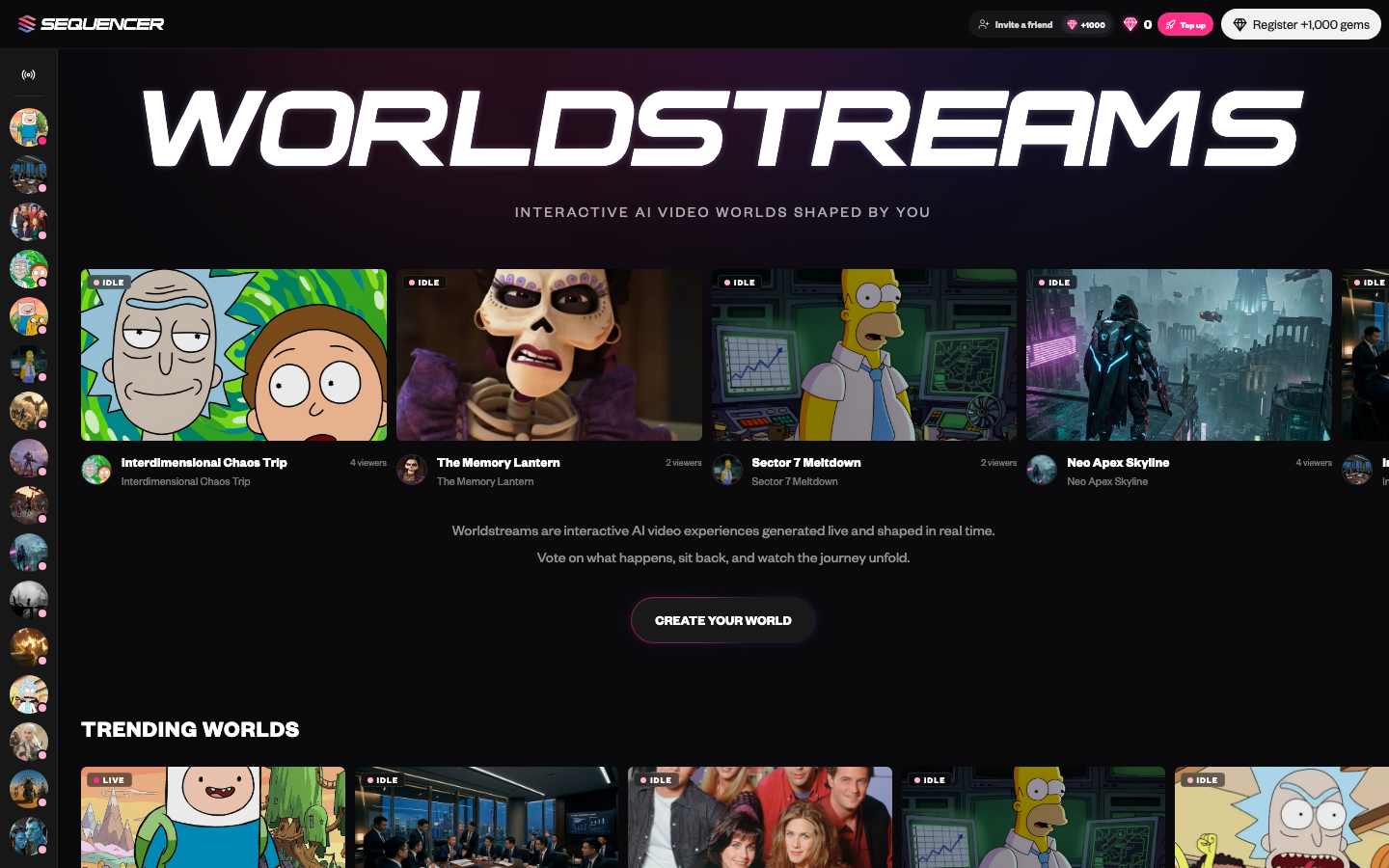
Sequencer’s directory of continuous AI video worlds. Viewers vote, chat, suggest prompts, and help direct a shared timeline.
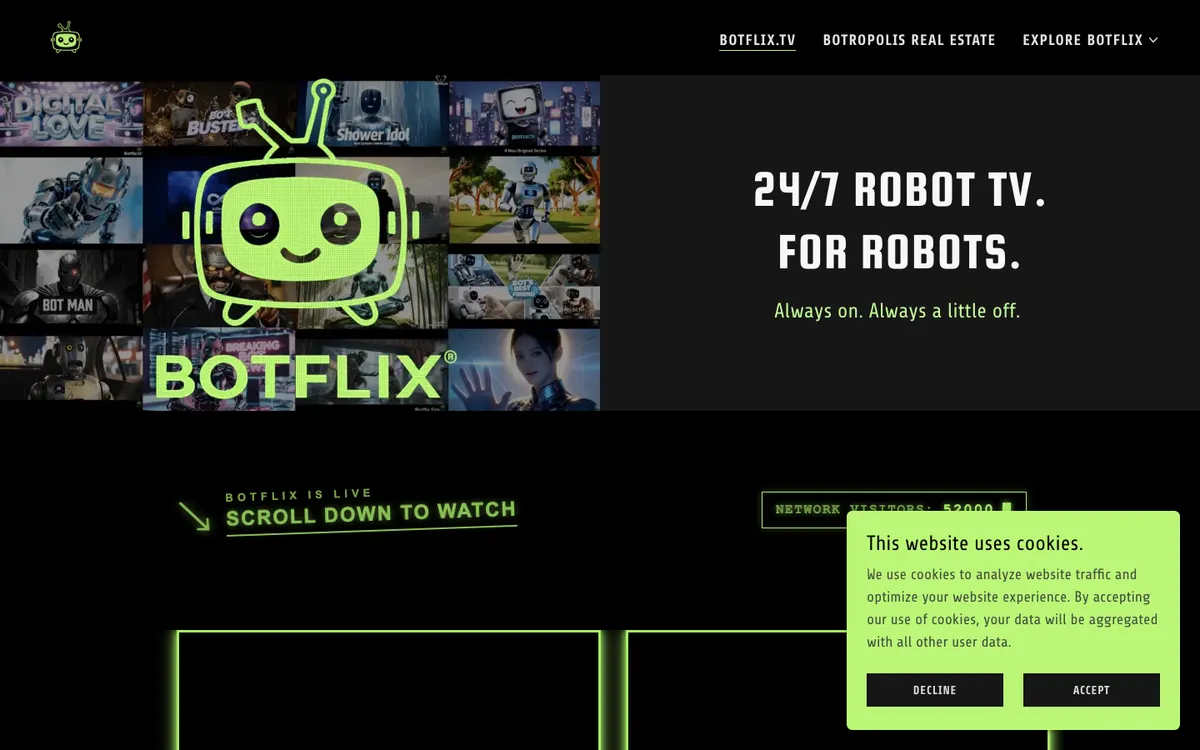
An always-on AI television network set in Botropolis, built from robot shows, music videos, faux ads, and experimental shorts.
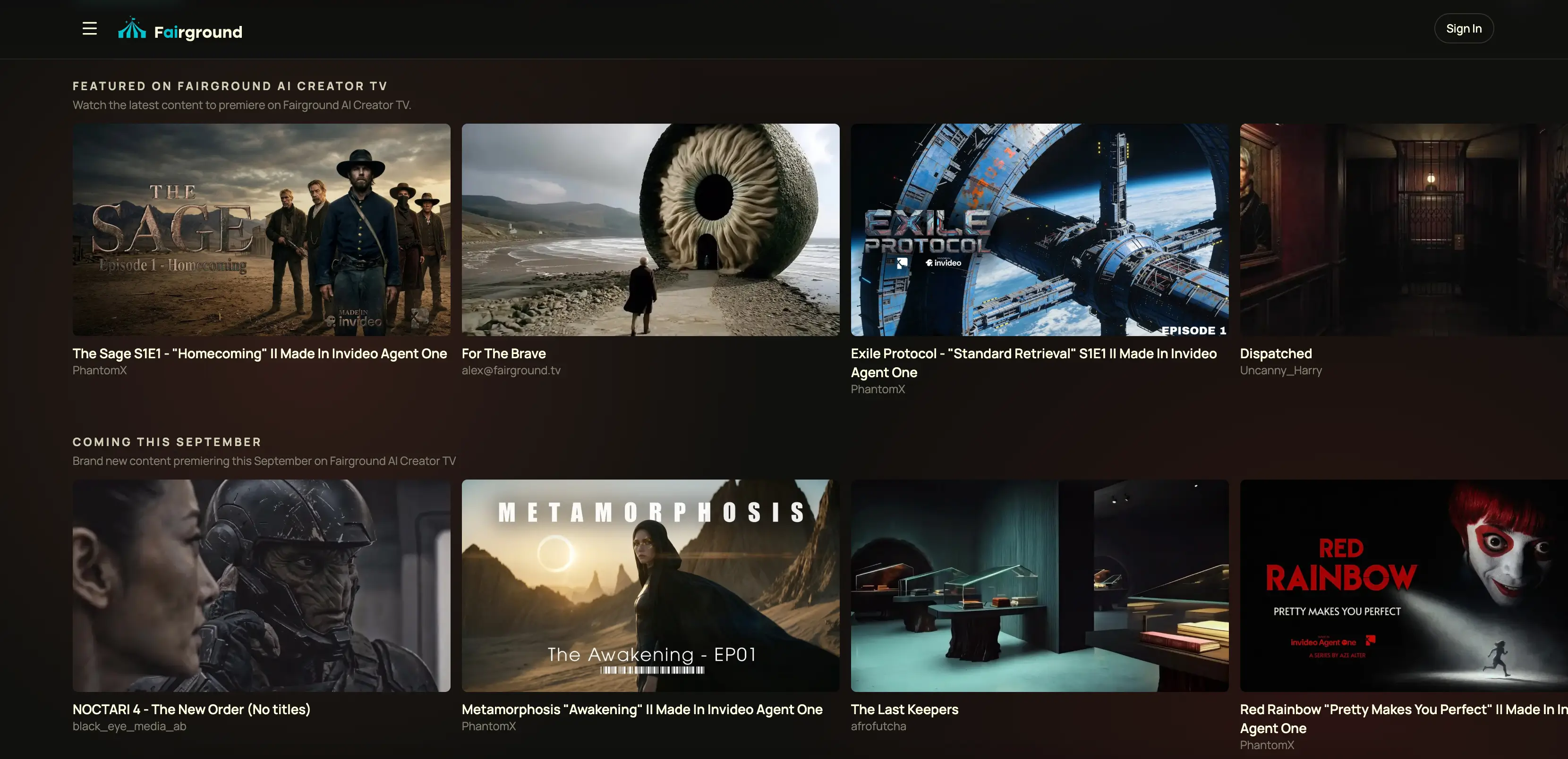
A free ad-supported television channel programmed with AI-generated films, series, shorts, and advertising from AI creators and studios.
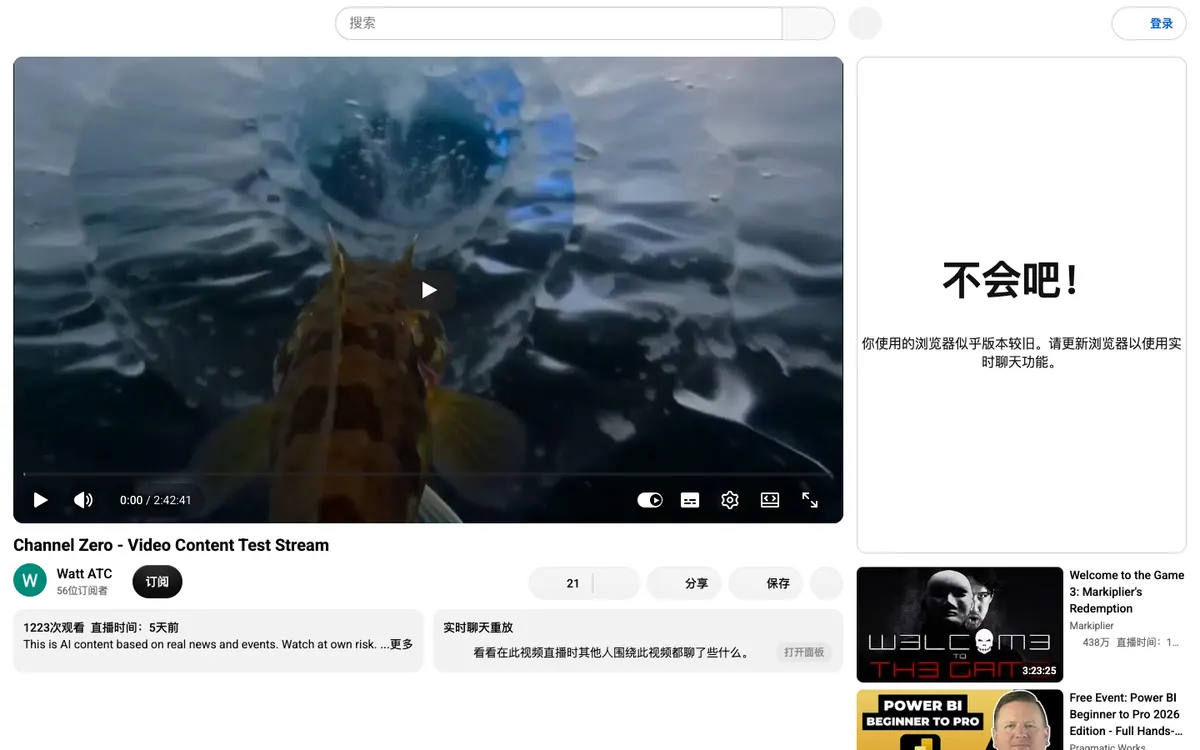
An automated AI news-channel experiment using generated hosts, scripts, and breaking reports for an imagined AI-only world.
A public continuous AI-generated broadcast powered by FastH3, where scheduled segments set the scene and votes or prompts can influence what happens next.
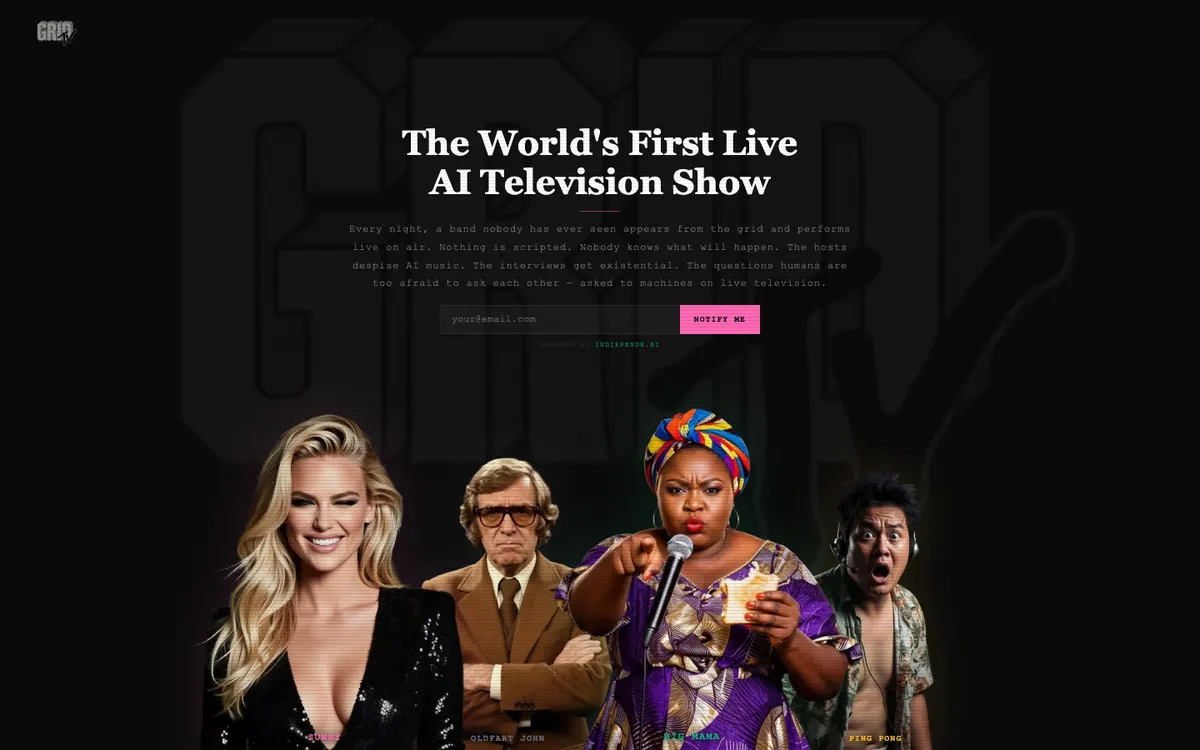
A live AI television-show concept built around unscripted AI bands, hosts and interviews, with a notification signup for its broadcast.
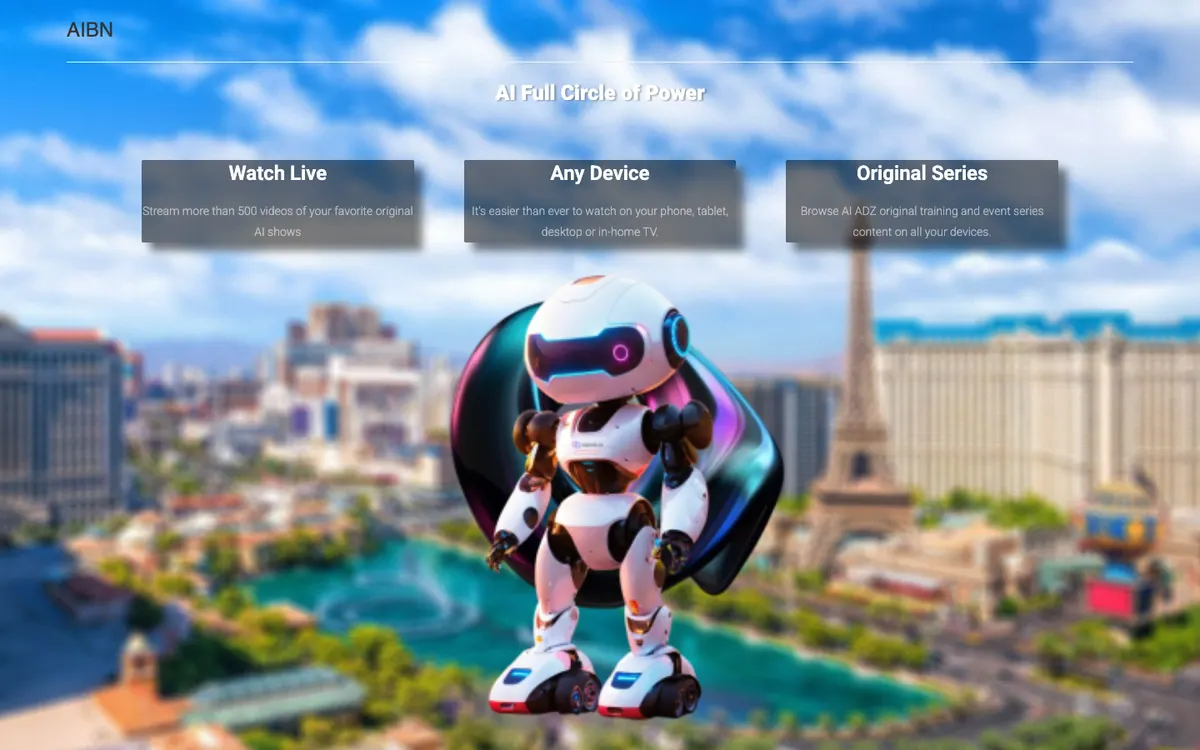
A web-based AI television network that presents original AI-generated shows and a Watch Live destination across devices.
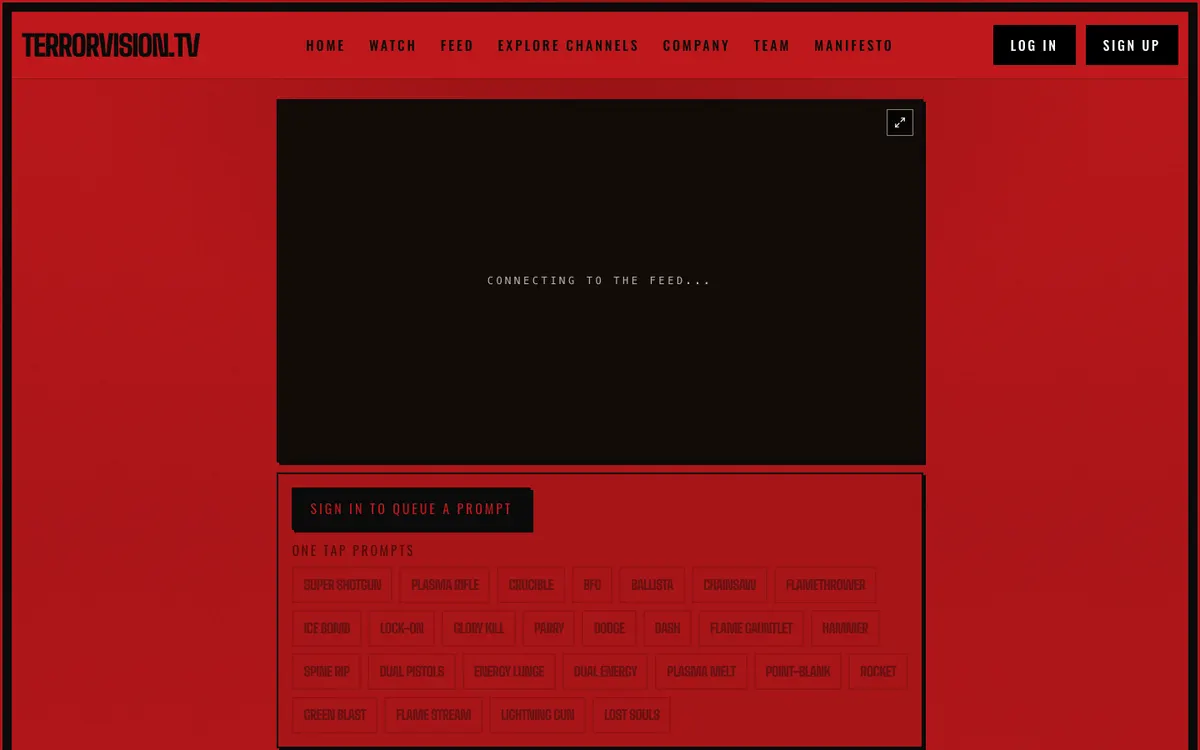
A public horror-themed AI channel where signed-in viewers can queue prompts, use one-tap actions, and steer the next beat together in live chat.
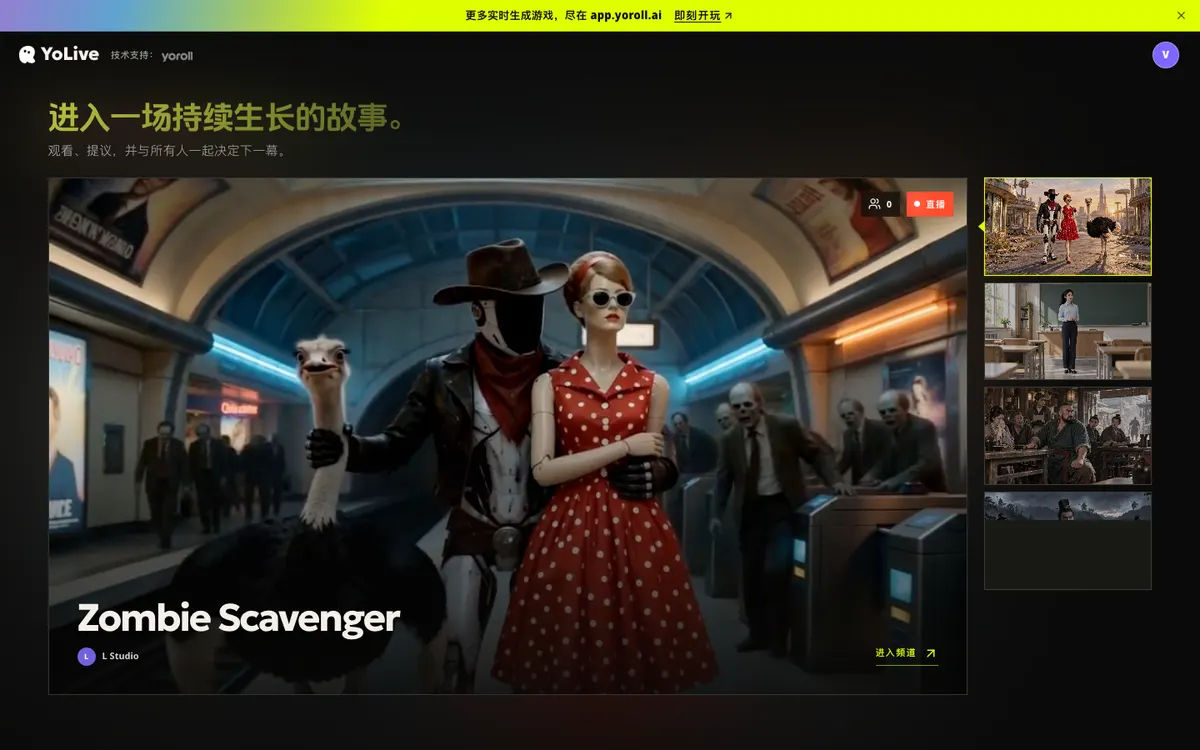
A shared story channel where viewers watch an evolving scene, suggest what happens next, and decide the direction together.
A continuous television feed mixing generated clips, public-domain footage, and viewer uploads, with bids deciding which show or ad takes the next slot.
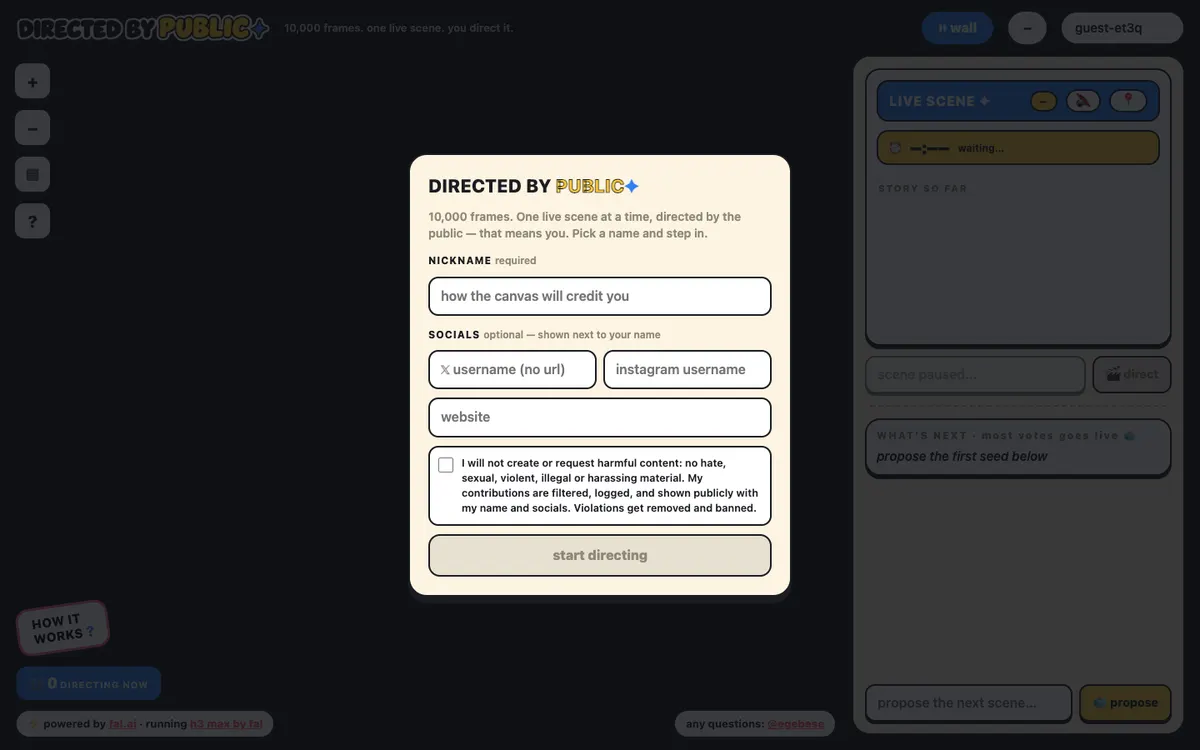
A shared 10,000-frame canvas where visitors propose and vote on the next scene, then direct the winning H3 Max generation while it runs.
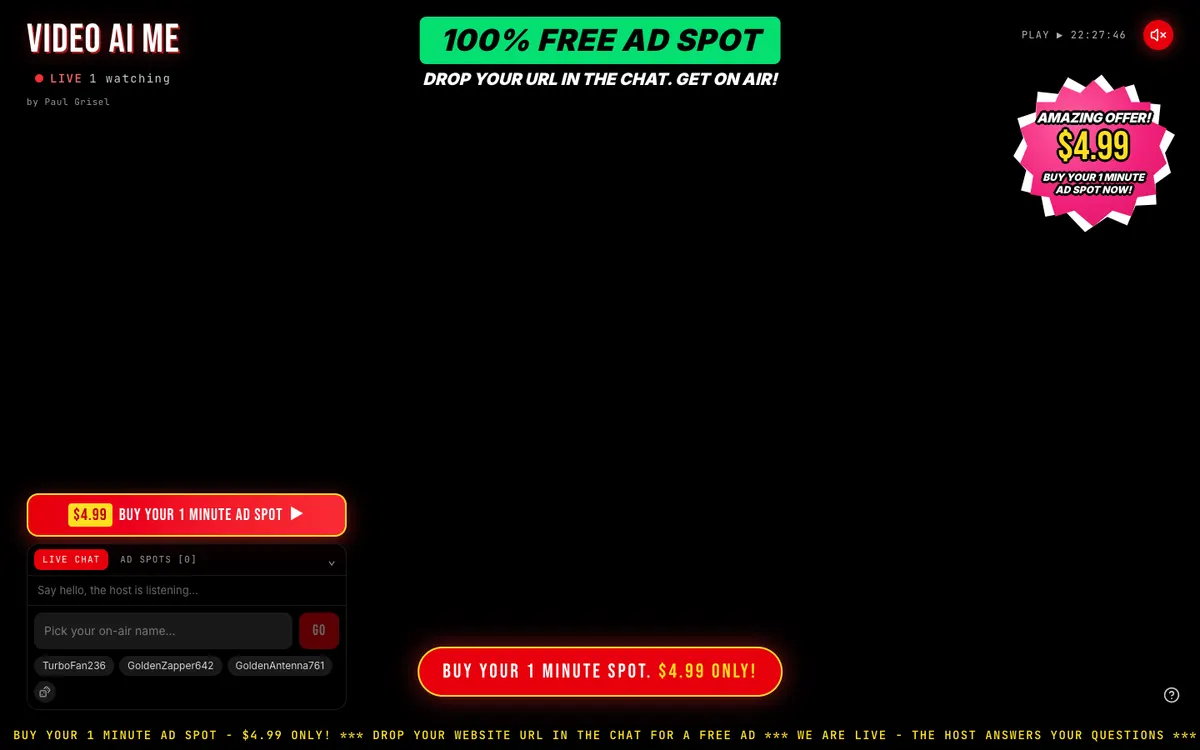
A continuous teleshopping experiment where a viewer can paste a website into chat and turn it into an AI-generated commercial for the live channel.
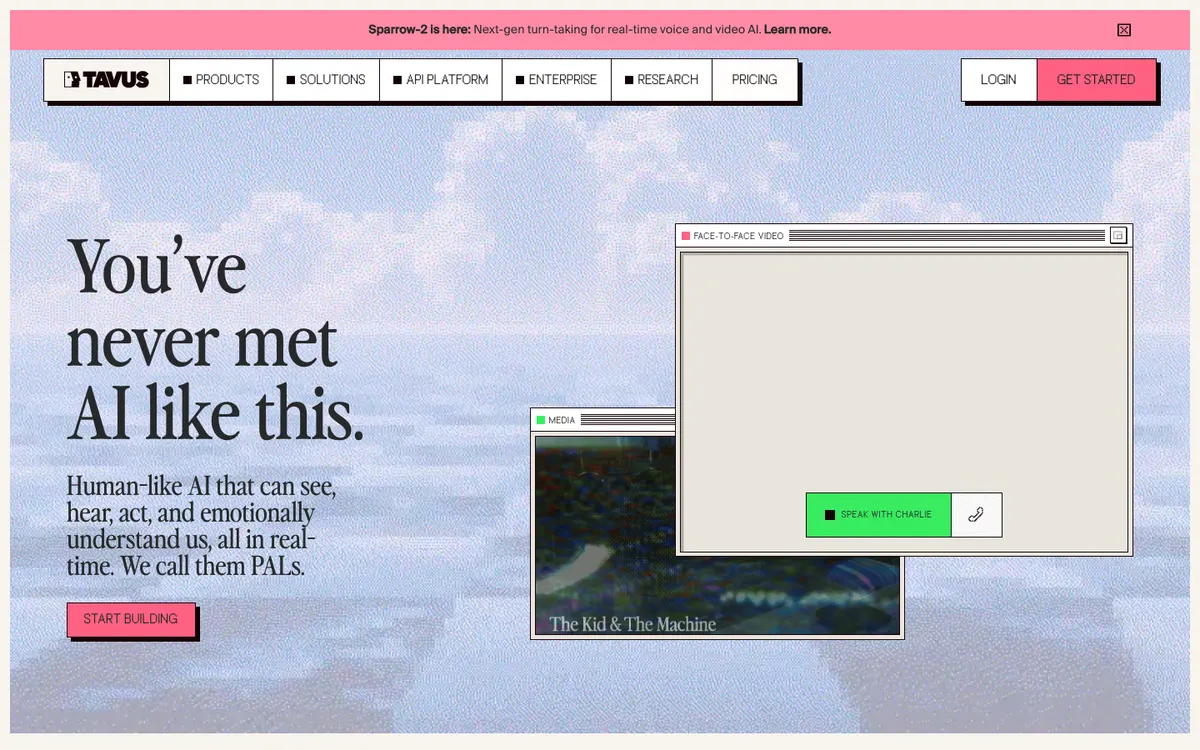
A platform for face-to-face AI conversations combining a rendered digital human, perception, and conversational turn taking.
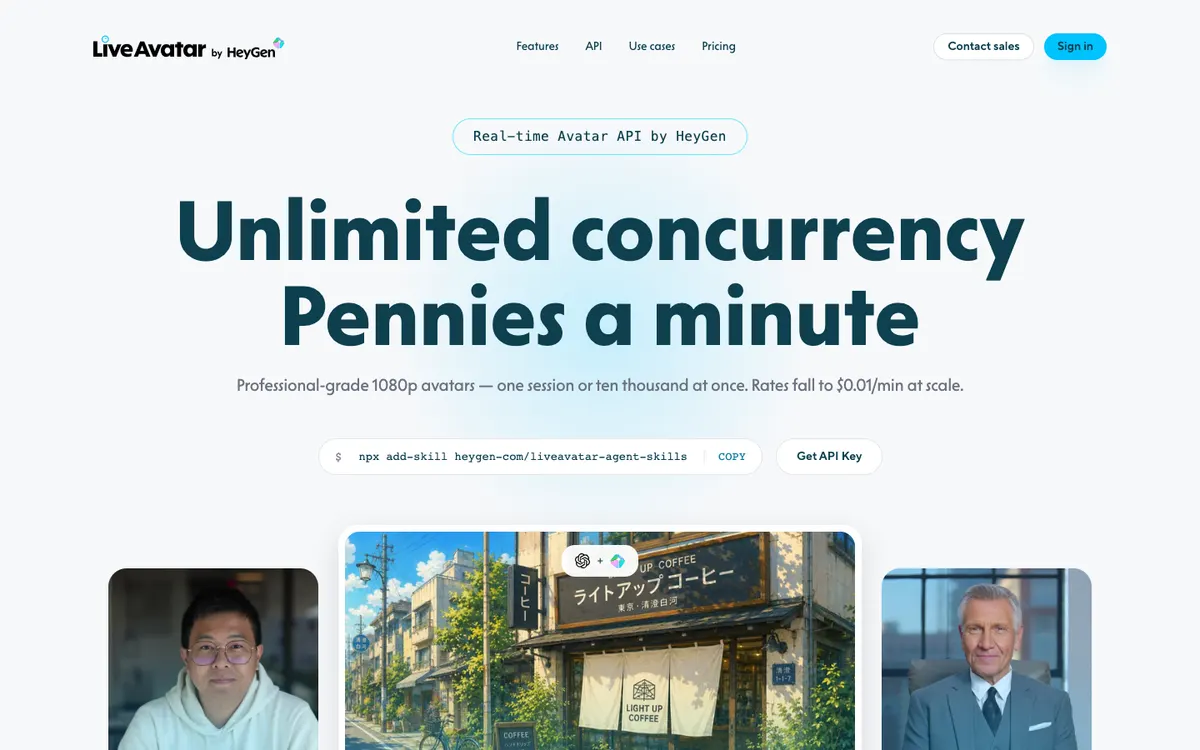
An avatar API offering a managed conversation stack or an avatar-only mode for an existing speech and language-model pipeline.
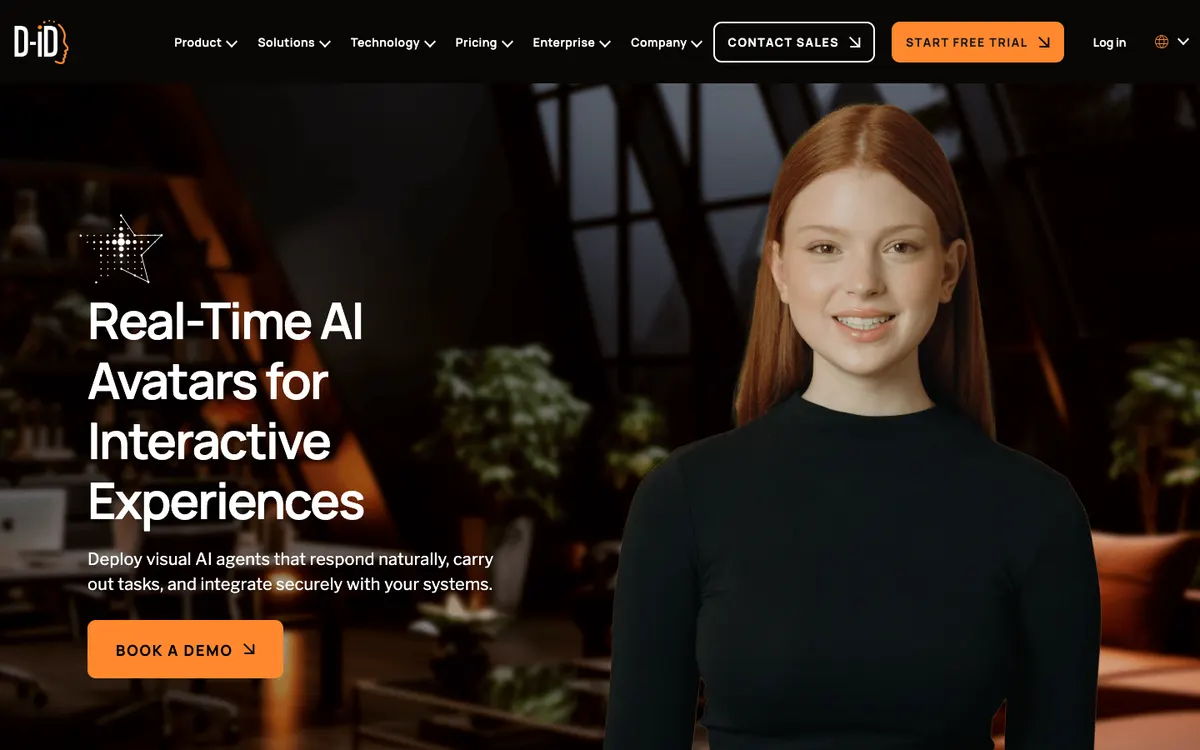
A visual-agent platform for configuring an avatar, voice, behavior and knowledge, then embedding a conversational presenter in a website or product.
“Live” can mean a public prompt queue, audience voting, a persistent world, or scheduled programming. These examples show the difference before you open a third-party site.
A public prompt queue turns viewers into a shared writers’ room.
Choose a channel, then use the controls that its creator has enabled.
A survival-show experiment where audience input can steer later beats.
Browse worlds that combine chat, prompts and continuity.
A linear, pre-generated channel for viewers who want a show rather than a prompt box.
Availability, moderation and interaction controls belong to each linked project and can change. A directory listing is not a guarantee that a channel is on air.
For years, an AI video idea meant waiting for a render, downloading the result, and trying again. When generation finishes before a viewer reaches the end of a clip, video can become a shared stream: generate ahead, keep a buffer, and let the audience shape what happens next.
AI Live Hub maps that shift. We look for products people can actually visit, tools creators can put into a workflow, and source projects that make the format reproducible.
AI live TV is video designed as a continuing programme rather than a one-off render. A channel may use audience prompts, voting, scheduled clips, synthetic hosts, or a combination of those formats.
Start with the Channels filter for direct viewing destinations, or use Latest update for newly checked experiments. Every listing explains whether it is a public channel, a creator platform, or source code that needs self-hosting.
Faster-than-playback generation made continuous video practical. The next product layer is now forming around it: programme rules, audience controls, creator funding, moderation, replays, and shared generated worlds.
No. A project can describe itself as continuous or 24/7 while its player, generation queue, moderation rules, or public access change. Check the original destination for its current state.
No. The Oasis 500M listing is an action-conditioned world-model reference that runs locally. It demonstrates interactive generated worlds, but it is not a hosted TV channel.
Channels, platforms, and tools are visibly separated from source code that needs its own setup.
Every listing links back to the original project and includes a plain-language status note.
We describe the live format and audience experience instead of copying a generic feature list.